# CBSE Class 11–12 Computer Science & Informatics Practices
# Learn it. Practice it three real ways. Prove it on real papers.
> What does this print?
Class 12 Informatics Practices
11 real chapters-
01
The Pandas Series
Introduction to Pandas & Creating Series · Attributes & Math Operations · Accessing Data (Head, Tail, Selection) · Filtering Data (Boolean Indexing) · Sorting Data (Values & Index)
-
02
The Pandas DataFrame
Introduction & Creating DataFrames · DataFrame Attributes · Inspecting Data (Info & Describe) · Selecting Data (loc vs iloc) · Adding & Deleting Columns · Renaming & Resetting Index
-
03
File Handling & Data IO
Reading & Writing CSV Files · Handling Missing Data (NaN) · Mathematical Operations (Sum, Mean, Max) · Grouping Data (The groupby Method) · Merging DataFrames (pd.merge)
-
04
Data Visualization
Introduction & Line Charts · Charts (Comparing Categories) · Histograms (Frequency Distribution) · Pie Charts (Parts of a Whole) · Legends, Saving Plots & Iteration
-
05
Database, SQL Revision (Class 11 Recap)
Database Concepts & Keys · Creating Tables (DDL) · Data Manipulation (INSERT, UPDATE, DELETE) · Querying Data (SELECT & WHERE)
-
06
Single Row Functions
Math Functions (POWER, ROUND, MOD) · Text Functions (Case, Length, Trim) · Text Functions (Extraction & Search) · Date Functions (NOW, YEAR, DAYNAME) · Aggregate Functions (SUM, AVG, COUNT)
-
07
Advanced Querying
Sorting Data (ORDER BY) · Grouping Data (GROUP BY)
-
09
Networking Basics
Introduction & Types of Networks (LAN, MAN, WAN) · Network Devices (Modem, Hub, Switch, Router) · Network Topologies (Star, Bus, Tree, Mesh) · Internet, WWW & Applications · Web Browsers (Settings, Add-ons, Cookies)
-
10
Digital Citizenship & Security
Digital Footprint & Net Etiquette · Intellectual Property Rights (IPR) & Software Licenses · Cyber Crime & The Indian IT Act
-
11
Health & Environment
Built by real CBSE CS/IP teachers, with real board questions tagged by topic and AI-evaluated subjective answers. Covers Class 10 AI alongside Class 11 & 12 CS/IP — MCQ, Output, SQL and Python, all in one real place.
Also on Android
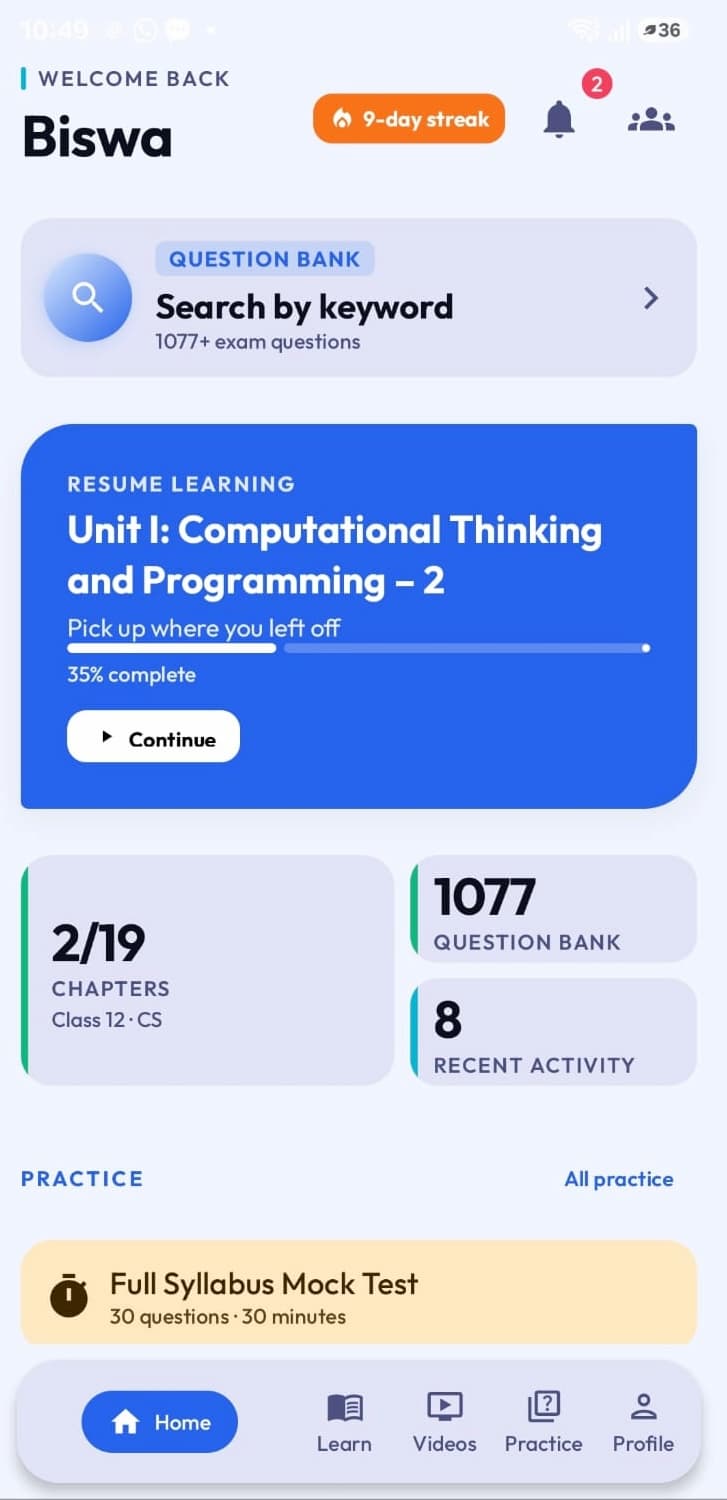
The same real KVCoders — learning, practice, and Live Challenges — continues on your phone.
- · Course progress carries over
- · MCQ & Output practice, on the go
- · Join Live Challenges from anywhere
Frequently Asked Questions
Is KV Coders free to use?
Yes. Lessons, videos, and practice tools (MCQs, Output Questions, SQL Arena, Python IDE) are open to everyone. Registering unlocks progress tracking and full PYQ Search.
Does KV Coders cover CBSE Class 10 AI?
Yes, alongside Class 11 and Class 12 Computer Science and Informatics Practices.
Are the questions real CBSE board papers?
Yes. PYQ Search is built from real Board, Sample, and Pre-Board papers, tagged by exact topic.
Do I need to register to start learning?
No. Lessons, videos, notes, and practice tools are open without an account. Registration is only needed for full PYQ Search and progress tracking.
Is there a Python IDE and SQL practice included?
Yes -- a built-in Python editor and a full SQL Arena are both free to use, no registration required.
What you get when you register
Guest access lets you try every tool. An account unlocks the guidance built around them.